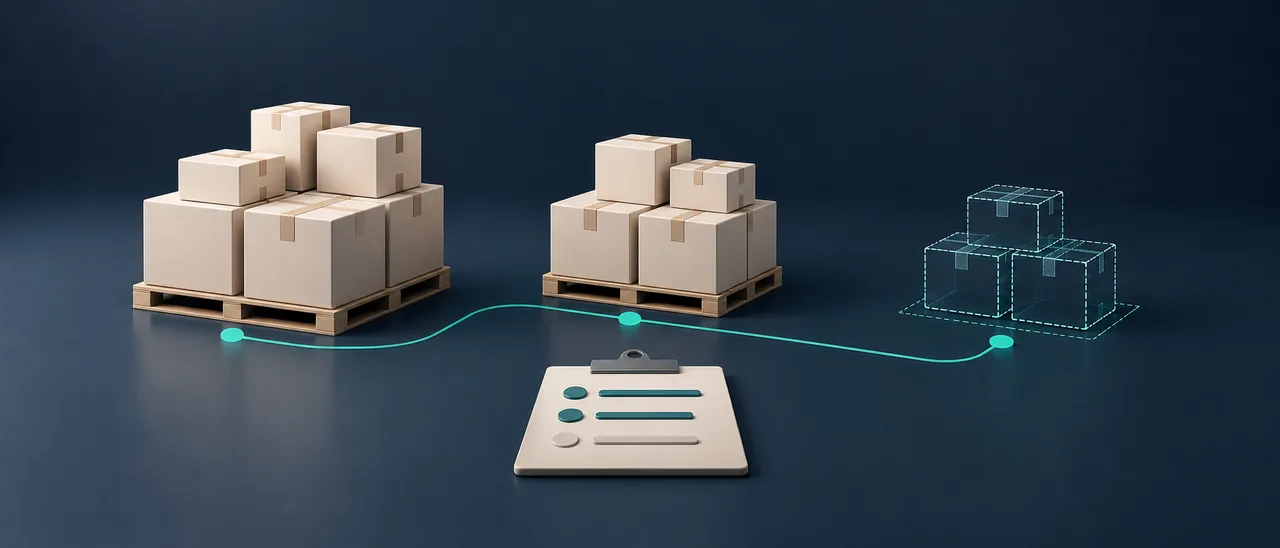
How to track revisions in a material submittal
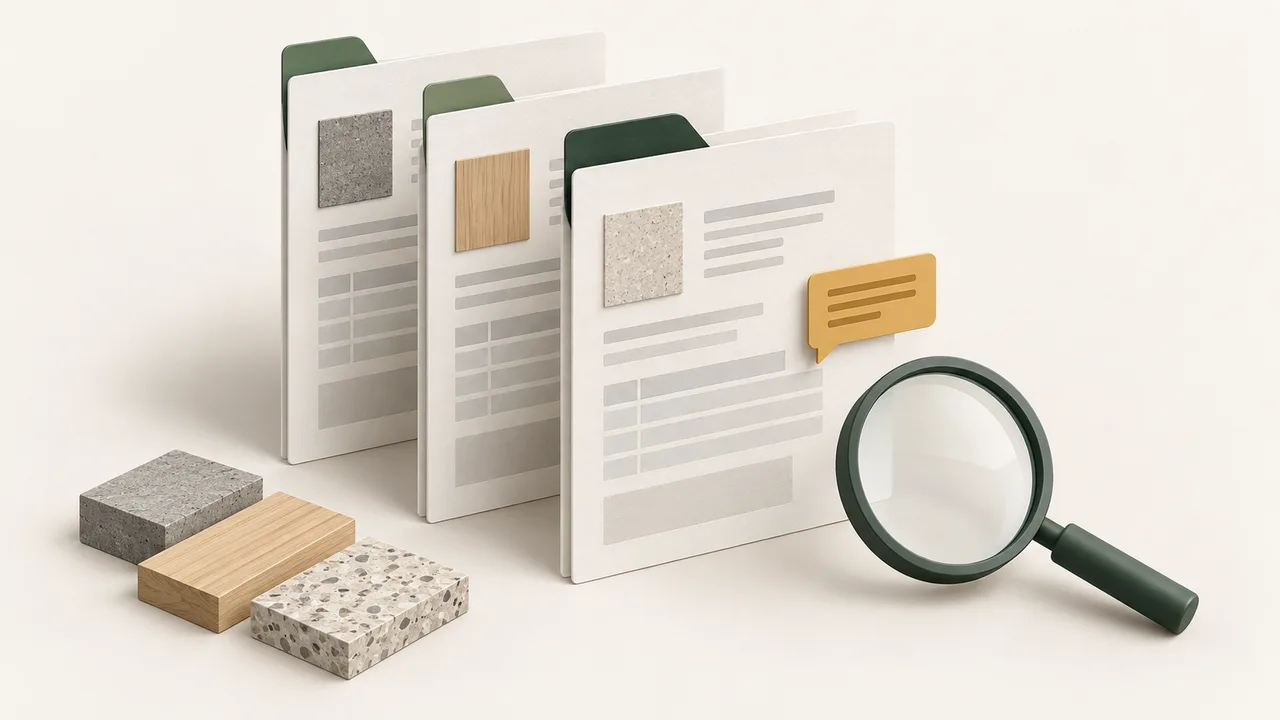
Track material submittal revisions, review comments and approval scope in one register. Use a practical checklist before releasing procurement.
A project folder containing files labelled “final”, “latest” and “final-revised” does not explain which document should support procurement. Even when the product selection is appropriate, an outdated drawing, an unresolved comment or a document naming a different model can leave the decision unclear.
A practical approach is to link every document to one material record and track the document revision separately from the review decision. The workflow below is a suggested working method for procurement and technical teams. It does not replace a project's document-control procedure.
Separate the revision from the approval status
For the documents to include, start with our construction material technical file guide. This article focuses on tracking the versions and review decisions associated with those documents.
A revision identifies a document version. The approval status records the authorised reviewer's decision on that version. Creating a new revision does not automatically make it approved. Do not assume that a decision on an earlier version also covers a new model, colour or installation location.
A register should identify the material reference, product and model, intended location, document revision, submission date, reviewer, decision source, open comment, owner and next action. Preserve the official status wording used by the project. A missing document is not the same as a submitted document awaiting review.
Link each comment to a response and evidence
Instead of responding only with “corrected”, explain what changed and identify the supporting document and page. The response may be a revised technical sheet, an updated drawing or a clarification. Preparing a response and receiving the reviewer's closure decision are separate steps.
For example: “Comment 03 — model name mismatch; response provided through Rev.02 technical sheet, page 1; authorised closure pending.” This is an illustrative entry, not an actual RHB project record. Its purpose is to keep the outstanding decision visible.
Match the product before releasing procurement
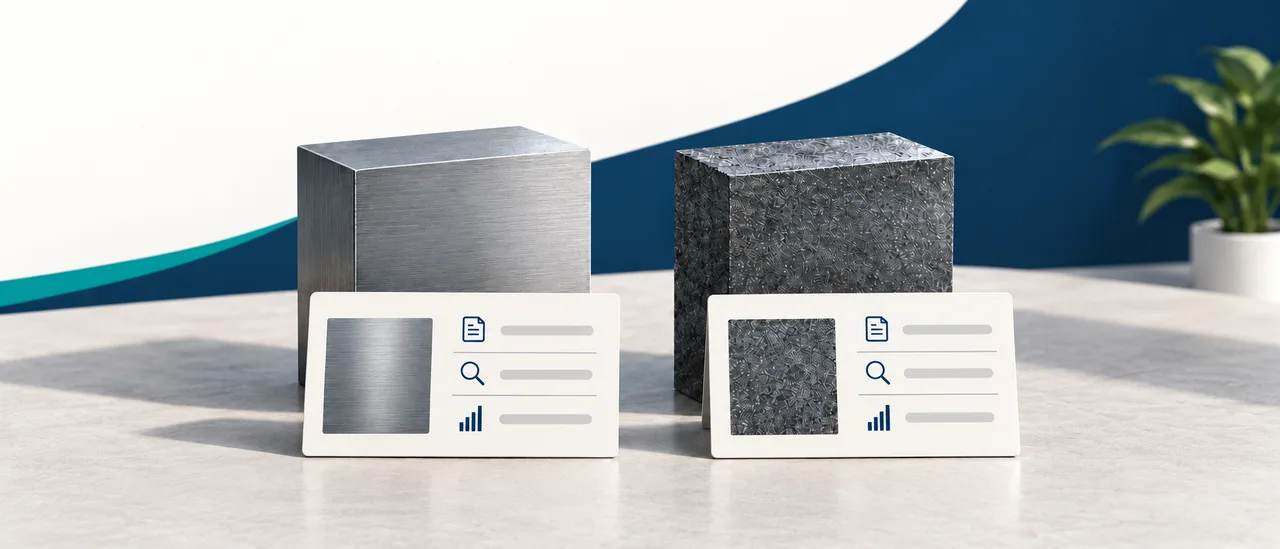
Do not check the file name alone. Compare the model in the quotation with the technical submission, any sample label and the requested application. If the model has changed, check whether the change has completed the required review process.
The commercial quotation, technical review and procurement release are separate records. A positive result in one does not automatically complete the others. The project procedure should define who is authorised to make each decision.
Four checks before releasing procurement
| Check | Record to look for |
|---|---|
| Are we referring to the same product? | Matching product/model references in the quotation, technical sheet and any sample |
| Which revision was reviewed? | Document reference and revision identified in the review decision |
| Are any comments still open? | Each comment, its response and the authorised closure record |
| Are the required procurement decisions complete? | Technical and commercial authorisations defined by the project procedure |
Where an answer is unknown, keep the item open and identify the missing information and the person responsible for providing it.
Control superseded files without losing the history
Archive previous versions according to the project's retention rules. Clearly identify the current version in the active sharing area and mark replaced copies as superseded. This preserves the decision history while helping prevent an old version from returning to circulation.
Include the material reference and revision when sharing attachments by email or messaging. When using a shared-folder link, check its access permissions and the document it actually opens.
Start with a simple digital register
A structured table can be a useful starting point. An ERP or document-management system can support the same approach through mandatory model references, revision history and an open-comment register. AI may assist by summarising text differences between versions for preliminary review. Scanning errors and misread tables mean that its output must not substitute for technical approval.
A useful final check: Can the procurement team identify the product, document version, permitted scope and outstanding decisions when opening the record today?
Send your product category, intended application and available technical documents to RHB Group at [email protected].